
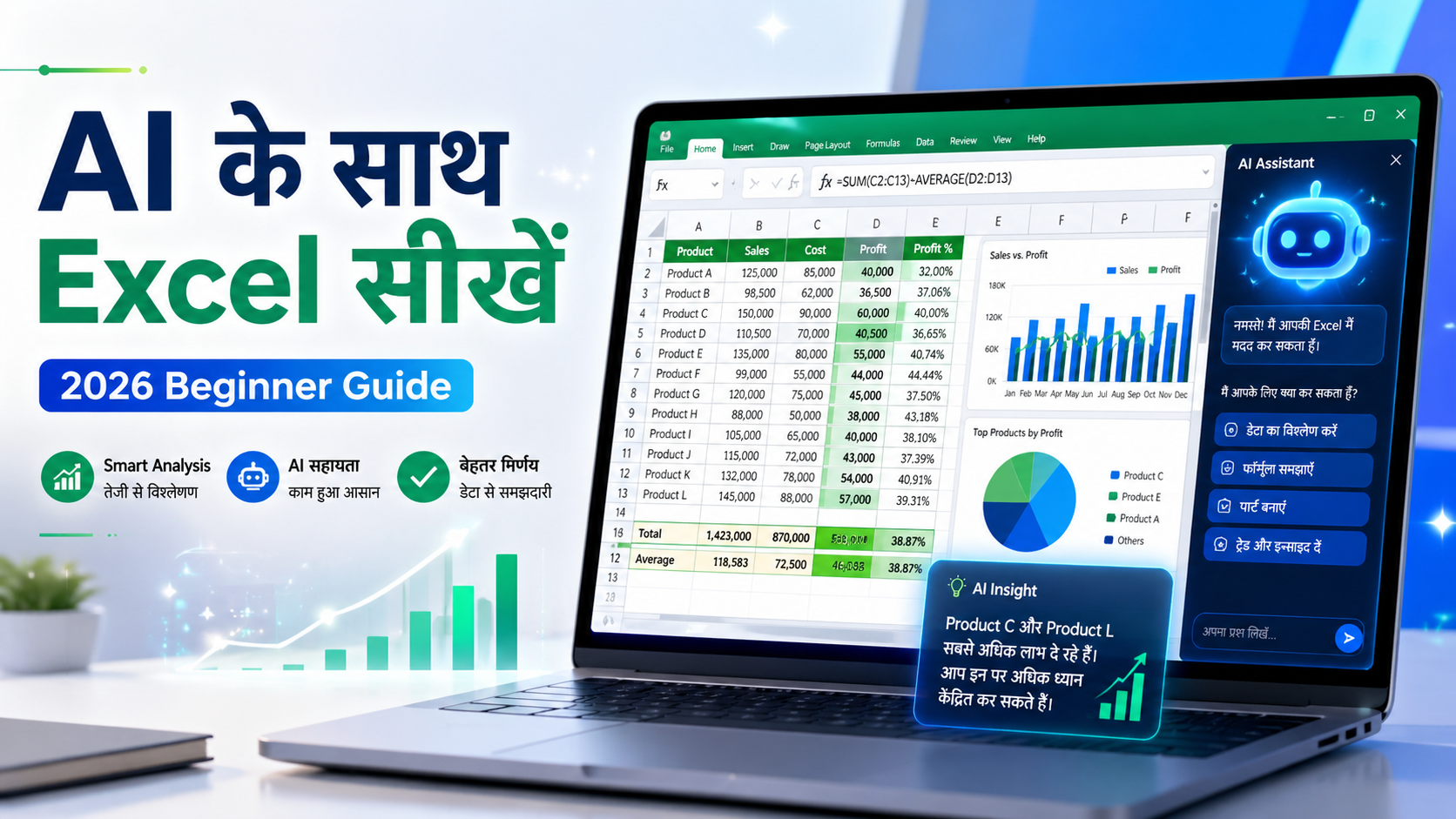
AI के साथ Excel कैसे सीखें और इस्तेमाल करें: Beginner के लिए आसान Guide
आज के समय में Excel सिर्फ data entry का tool नहीं है। अब Excel को AI के साथ इस्तेमाल करके आप formulas बना सकते हैं, reports तैयार कर सकते हैं, data clean कर सकते हैं, dashboards design कर सकते हैं और freelancing projects भी जल्दी complete कर सकते हैं।
अगर आप student हैं, job करते हैं, business owner हैं या freelancer बनना चाहते हैं, तो Excel और AI आपके लिए बहुत useful skill बन सकती है।
AI के साथ Excel का मतलब क्या है?
AI के साथ Excel का मतलब है कि आप Excel में काम करते समय ChatGPT, Gemini, Microsoft Copilot या किसी दूसरे AI tool की मदद लेते हैं।
Example के लिए, अगर आपको कोई Excel formula नहीं आता, तो आप AI से पूछ सकते हैं:
मेरे पास A column में product name, B column में quantity और C column में price है। D column में total amount निकालने के लिए formula बताओ।
AI आपको formula भी देगा और उसे आसान भाषा में समझाएगा भी।
Excel में AI का इस्तेमाल कहां कर सकते हैं?
Excel में AI का इस्तेमाल कई practical कामों में किया जा सकता है।
आप AI की मदद ले सकते हैं:
Excel formulas बनाने में
Data cleaning करने में
Reports बनाने में
Dashboards design करने में
Charts plan करने में
Freelancing projects complete करने में
Client message लिखने में
Excel errors fix करने में
1. Excel Formulas बनाने में AI की मदद
Excel formulas beginners के लिए difficult लग सकते हैं। लेकिन AI की मदद से आप formula जल्दी समझ सकते हैं।
मान लीजिए आपके पास:
A column में product name है
B column में quantity है
C column में price है
तो total amount निकालने के लिए formula होगा:
=B2*C2
अगर आपको यह formula समझ नहीं आता, तो आप AI से पूछ सकते हैं:
इस formula =B2*C2 को आसान भाषा में समझाओ।
AI आपको बताएगा कि B2 में quantity है और C2 में price है। दोनों को multiply करने से total amount निकलता है।
AI इन formulas में आपकी मदद कर सकता है:
SUM
IF
VLOOKUP
XLOOKUP
COUNTIF
SUMIF
AVERAGE
TEXT formulas
Date formulas
2. Data Cleaning में AI का इस्तेमाल
कई बार Excel file में data साफ नहीं होता। उसमें extra spaces, duplicate entries, गलत date format या अलग-अलग spelling mistakes हो सकती हैं।
AI आपको बता सकता है कि data को clean करने के लिए कौन सा formula या method use करना चाहिए।
Example prompt:
मेरी Excel sheet में names के आगे और पीछे extra spaces हैं। इन्हें remove करने का formula बताओ।
AI आपको यह formula suggest कर सकता है:
=TRIM(A2)
अगर duplicate data remove करना है, तो आप AI से पूछ सकते हैं:
Excel में duplicate records कैसे remove करें?
इससे आपका काम faster और cleaner हो जाता है।
3. Reports बनाने में AI की मदद
अगर आपके पास sales, expenses, orders, customers या students का data है, तो AI आपको report structure बनाने में मदद कर सकता है।
Example prompt:
मेरे पास monthly sales data है। मुझे कौन-कौन सी reports बनानी चाहिए?
AI आपको ये report ideas दे सकता है:
Total sales report
Monthly sales summary
Top selling products
Low performing products
Customer-wise sales
Profit analysis
Expense summary
Growth comparison
इससे आपको clear idea मिलता है कि data को कैसे present करना है।
4. Excel Dashboard बनाने में AI कैसे मदद करता है?
Excel dashboard एक visual report होती है जिसमें charts, tables और important numbers दिखाए जाते हैं।
Dashboard में आप ये sections रख सकते हैं:
Total income
Total expense
Total profit
Top products
Monthly sales trend
Category-wise expense
Budget vs actual comparison
आप AI से पूछ सकते हैं:
मुझे Excel में monthly budget dashboard बनाना है। कौन-कौन से sections होने चाहिए?
AI आपको dashboard का पूरा layout suggest कर सकता है।
5. Freelancing में Excel और AI का उपयोग
अगर आप Fiverr, Upwork या अपनी website से Excel service देना चाहते हैं, तो AI आपकी productivity बढ़ा सकता है।
AI आपकी मदद कर सकता है:
Client requirement समझने में
Project plan बनाने में
Excel formulas बनाने में
Dashboard structure बनाने में
Delivery message लिखने में
Gig description लिखने में
Client reply लिखने में
Example:
Client कहता है कि उसे monthly budget tracker चाहिए।
आप AI से पूछ सकते हैं:
Monthly budget tracker Excel file में कौन-कौन से sheets और features होने चाहिए?
AI आपको बता सकता है:
Income sheet
Expense sheet
Budget planning sheet
Savings tracker
Dashboard
Monthly summary
Category-wise expense chart
इससे आप client को better और professional output दे सकते हैं।
Best AI Prompts for Excel
AI से अच्छा answer पाने के लिए आपको clear prompt लिखना चाहिए।
गलत prompt:
Excel formula बताओ।
सही prompt:
मेरे पास A column में product name, B column में quantity और C column में price है। D column में total amount निकालने के लिए formula बताओ।
कुछ useful prompts:
इस Excel task के लिए formula बताओ: [अपना task लिखें]
इस formula को आसान भाषा में समझाओ: [formula paste करें]
मेरे data के लिए dashboard layout suggest करो।
इस Excel error को fix करने में मदद करो: [error लिखें]
मेरे client के लिए professional Excel report structure बनाओ।
Monthly budget tracker के लिए Excel sheet structure बनाओ।
Sales dashboard में कौन-कौन से charts होने चाहिए?
Excel + AI से पैसे कैसे कमा सकते हैं?
Excel और AI सीखकर आप online earning के कई तरीके बना सकते हैं।
1. Excel Templates बेचकर
आप budget planner, invoice tracker, attendance sheet, sales dashboard, expense tracker और business tracker जैसे templates बनाकर बेच सकते हैं।
2. Freelancing करके
Fiverr और Upwork पर Excel services की demand रहती है। आप ये services दे सकते हैं:
Excel dashboard
Data cleaning
Excel automation
Report formatting
Budget spreadsheet
Business tracker
Sales report
Invoice template
3. Live Sessions देकर
अगर आपको Excel अच्छा आता है, तो आप beginners को live training दे सकते हैं। यह skill-based earning का अच्छा तरीका है।
4. Business Owners के लिए Reports बनाकर
छोटे business owners को sales, expense और profit reports की जरूरत होती है। आप उनके लिए Excel reports और dashboards बना सकते हैं।
Beginner को Excel + AI कैसे सीखना चाहिए?
अगर आप beginner हैं, तो इस order में सीखना सही रहेगा:
Basic Excel interface
Formatting
Basic formulas
IF formula
SUMIF और COUNTIF
Data cleaning
Pivot table
Charts
Dashboard
AI prompts for Excel
Freelancing project practice
क्या AI Excel Expert की जगह ले सकता है?
AI आपकी मदद कर सकता है, लेकिन Excel expert की पूरी जगह नहीं ले सकता।
AI formula दे सकता है, लेकिन आपको यह समझना होगा कि formula आपके data पर सही काम कर रहा है या नहीं।
इसलिए best तरीका है:
Excel basics सीखें
AI से मदद लें
Answer को test करें
Final file manually check करें
Conclusion
Excel और AI दोनों skills 2026 में बहुत useful हैं। अगर आप Excel को AI के साथ इस्तेमाल करना सीख लेते हैं, तो आप अपना काम faster कर सकते हैं, professional reports बना सकते हैं और online earning के नए opportunities create कर सकते हैं।
Beginners के लिए सबसे अच्छी बात यह है कि AI से सीखना आसान हो गया है। आपको बस सही question पूछना और answer को test करना आना चाहिए।
अगर आप Excel, AI और freelancing सीखना चाहते हैं, तो viznova.tech पर आपको practical guides, templates और live sessions मिलेंगे जो आपको step-by-step सीखने में मदद करेंगे।
Your Comments & Ratings