
Advanced Excel with AI Masterclass
Learn advanced Excel with AI from Kamal Gurjar, a successful freelancer, entrepreneur, and founder of Viznova.tech and FitsetApp. Build practical skills for reporting, dashboards, automation, and freelancing.
Date & Time 14 Jun 2026, 02:00 PM
Duration 120 minutes
Language Hindi
Platform Viznova-live-meeting
Secure payment • 120 minutes live session • Language: Hindi • Access details sent by email
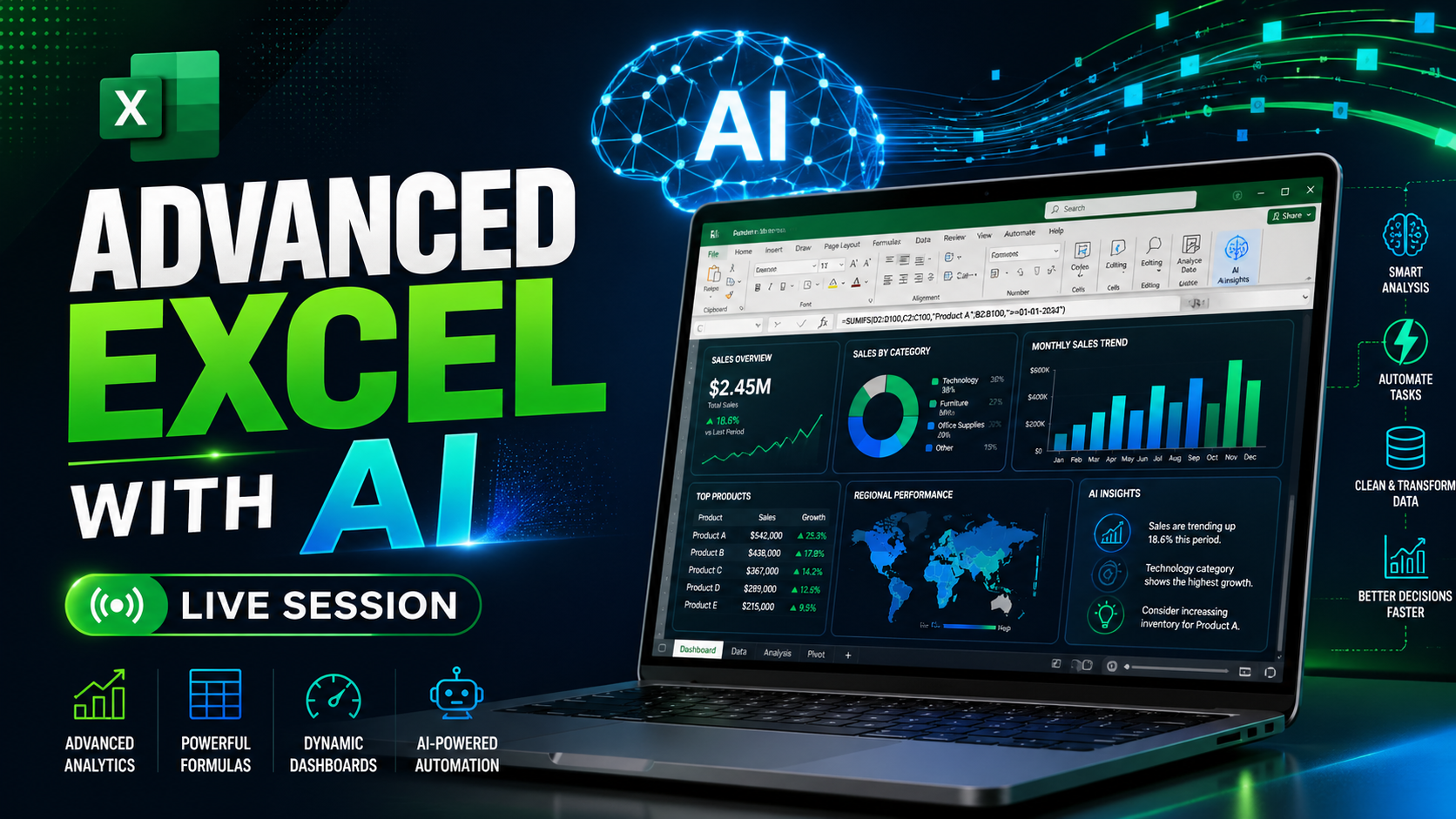
Ready to improve your Excel skills with AI?
Join this practical live session and learn dashboards, formulas, automation, data cleanup, AI workflows, and freelancing-focused Excel skills.
What you will learn
Experience:
13+ years of practical experience in Excel, business workflows, freelancing, automation, and digital products.
Trainer Bio:
Kamal Gurjar is a successful freelancer, business entrepreneur, and founder of Viznova.tech and FitsetApp. He has worked on practical Excel-based business solutions, dashboards, automation workflows, client projects, and digital systems. His teaching style focuses on real-world use, freelancing opportunities, and productivity improvement using modern AI tools.
About This Live Session:
This live session is designed for learners who want to upgrade from basic Excel to advanced, practical Excel workflows using AI.
In this session, you will learn how to use Excel more professionally for business, freelancing, reporting, and data analysis. You will also learn how AI tools can help you write formulas, clean messy data, summarize reports, create dashboards, automate repetitive work, and improve your overall working speed.
What You Will Learn:
- Advanced Excel formulas and smart formula building
- AI-assisted formula writing and troubleshooting
- Data cleaning and formatting workflows
- Pivot tables and practical business reporting
- Dashboard planning and report presentation
- Using AI for Excel automation ideas
- Freelancing use cases for Excel services
- How to complete client work faster using Excel + AI
- How to think like a professional Excel freelancer
- How to use AI prompts for Excel problem solving
- How to improve productivity for office, business, and client work
Who Should Join:
- Students
- Freelancers
- Working professionals
- Business owners
- Excel beginners who want to move to an advanced level
- Anyone who wants to use AI with Excel for real productivity
- People who want to start offering Excel-related services online
- Anyone who wants to work faster with reports, dashboards, and data
Why This Session Is Useful:
Excel is still one of the most powerful tools for business, reporting, data handling, and freelancing. With AI, you can now work faster, solve problems more easily, and complete tasks that normally take hours in much less time.
This session will help you understand how to combine Excel skills with AI tools so you can create better reports, automate repetitive work, improve your productivity, and offer stronger Excel-related services.
By the end of the session, you will understand how to use Excel + AI together for practical work, business reporting, freelancing projects, and client-ready solutions.
Learn formulas, dashboards, automation ideas, and workflow improvement techniques.
Use AI tools to speed up Excel work, reporting, data cleanup, and client tasks.
Understand how Excel skills can be converted into services and client projects.
Learn practical workflows used in business, freelancing, dashboards, and reporting.
Before-after learning approach
You will see practical before-and-after examples of how messy Excel data is converted into clean, structured reports. The session will show how manual reporting tasks can be turned into faster workflows using Excel + AI, and how dashboard-style outputs can be prepared for business reporting, freelancing projects, and real client work. We will also discuss practical Fiverr-style order scenarios, including how to understand client requirements, clean raw data, create useful reports, and deliver professional Excel solutions.
_(1).webp)
_(2).webp)
.webp)
Messy Excel files, manual reports, repeated formula errors, and slow dashboard work.
Clean reports, AI-assisted formulas, faster workflows, dashboard thinking, and client-ready output.
What happens after the class?
After the session, participants will get access to practice files, learning notes, Excel + AI prompt examples, and guidance on how to apply the learning in office work, freelancing, and business reporting.
Trainer profile

I am Kamal Gurjar, a successful freelancer, business entrepreneur, and founder of Viznova.tech and FitsetApp. I have practical experience in Excel dashboards, business reporting systems, automation workflows, client projects, and digital product development. I specialize in Google Sheets, Microsoft Excel, and full-stack web development. I create dynamic dashboards, advanced formulas, automation tools, and custom business solutions to simplify workflows and improve productivity. I also build modern, responsive websites using both front-end and back-end technologies. Whether you need data cleanup, file conversions, troubleshooting, dashboard development, or a full-stack web project, I focus on practical, business-ready solutions that save time and deliver clear results.
What you get
How registration works
Register Fill your name, email, and phone number.
Pay securely Complete your payment using the checkout page.
Join live Receive private room access details and attend the Hindi live session.
Participant feedback
Very practical and easy to understand.
Helped me improve my Excel reporting speed.
The session gave me clear ideas for freelancing services.
Good explanation with real examples.
Useful for office work and client projects.
FAQs
Is this session live?
Yes, this is a live online session.
What is the language of this session?
This live session will be conducted in Hindi.
Do I need advanced Excel knowledge?
No. Basic Excel knowledge is enough to join.
Who should attend?
Students, freelancers, job seekers, business owners, and anyone who wants to improve Excel productivity with AI.
How will I get the meeting link?
After successful registration and payment, your private live room access link will be shared by email.
Will I get materials after the session?
Yes. Session materials, practice files, and learning notes can be shared according to the trainer’s post-session process.